Lesson 2 of 5 · 7 min
Targets and limits
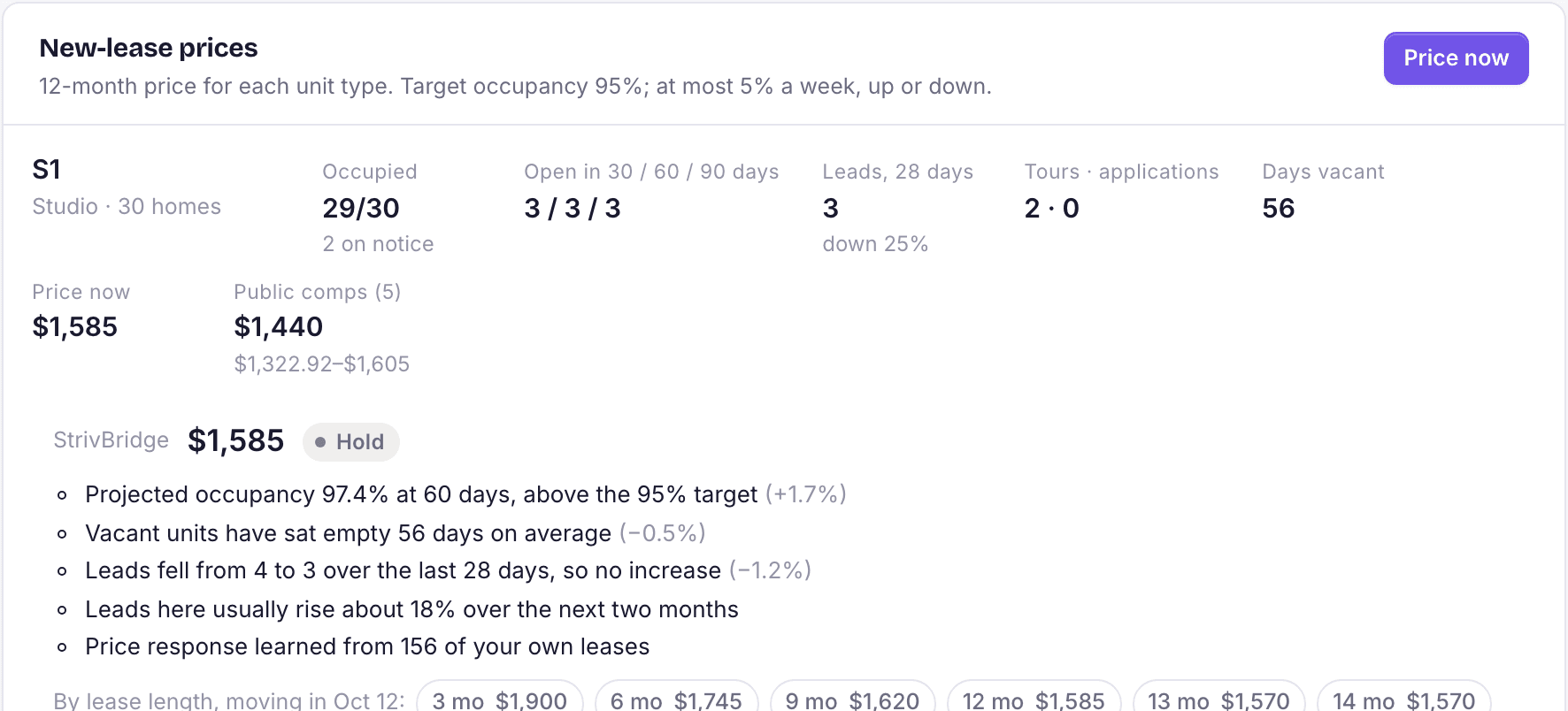
The settings that decide how far and how fast prices may move.
Open Leasing › Pricing, choose the property, and open Settings. Everything here can be saved for one property or as the default for every property.
Recommendations
- What prices may use: Own data only, or Own data plus public comps.
- Whose prices: StrivBridge's suggestions, your own model, or both side by side.
- Apply automatically: Never (you apply every price), or up to a percentage change, on any day or Mondays only.
Loading the rest of this lesson…