Requests routed. Repairs approved.
Residents report issues from their phone or to the assistant, work orders go where your dispatch rules say, and spend over a limit waits for the right yes.
No credit card · Full product · Sample data included
On its own
What StrivBridge handles for you.
You set the rules once. These run without anyone pressing a button, and anything that needs a decision waits for one.
- Turns a resident's request into a work order with an urgency level
- Texts the on-call technician when a request is an emergency
- Checks for a duplicate request on the same unit before opening a new one
- Creates the next inspection when a recurring schedule comes due
- Holds spend above an owner's limit until the owner says yes
- Starts every vendor invoice as pending approval
From the resident's phone to the right person.
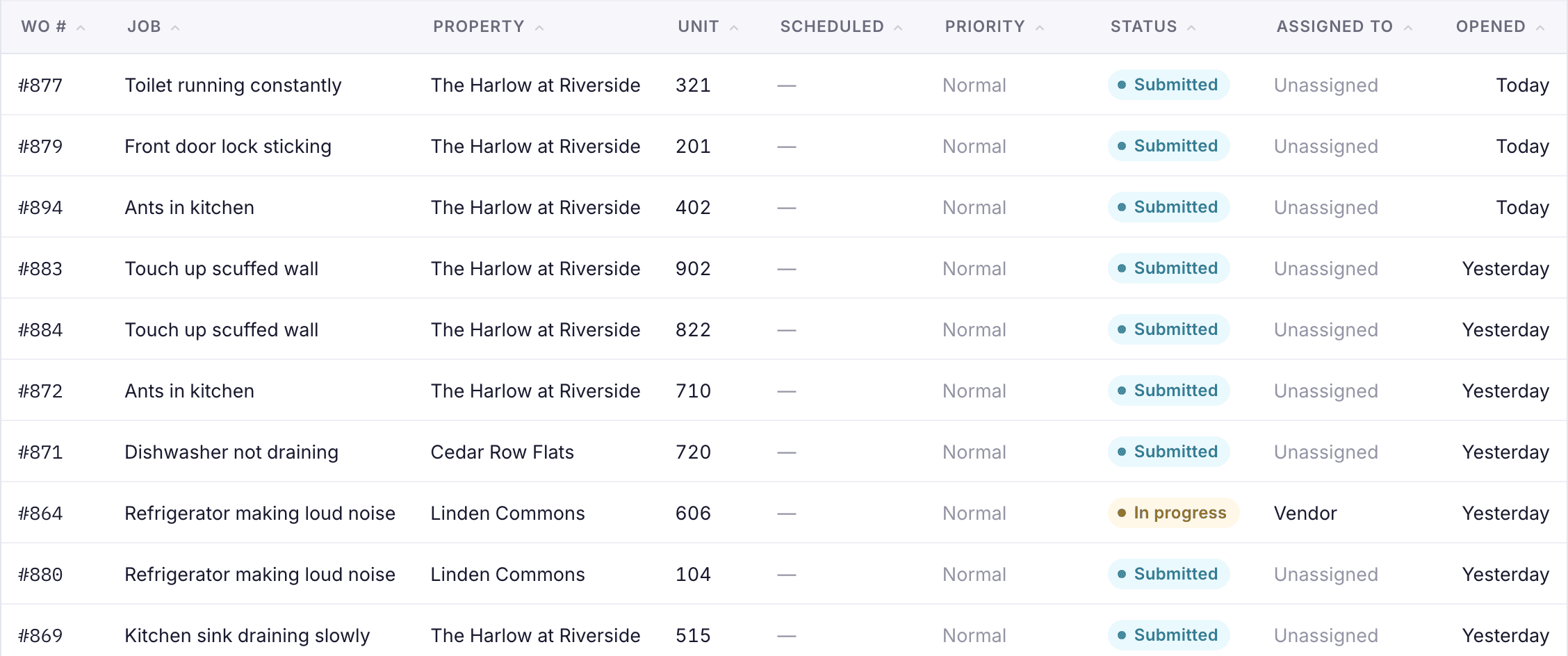
Residents report issues in the portal with photos and permission to enter, or tell the assistant by text or phone. Each issue type carries its own urgency and dispatch instruction, so emergencies stand out and routine work goes to the right group.
- Issue types with urgency and dispatch rules
- Maintenance groups for routing
- Emergencies reach the on-call technician
Vendors who update their own jobs.
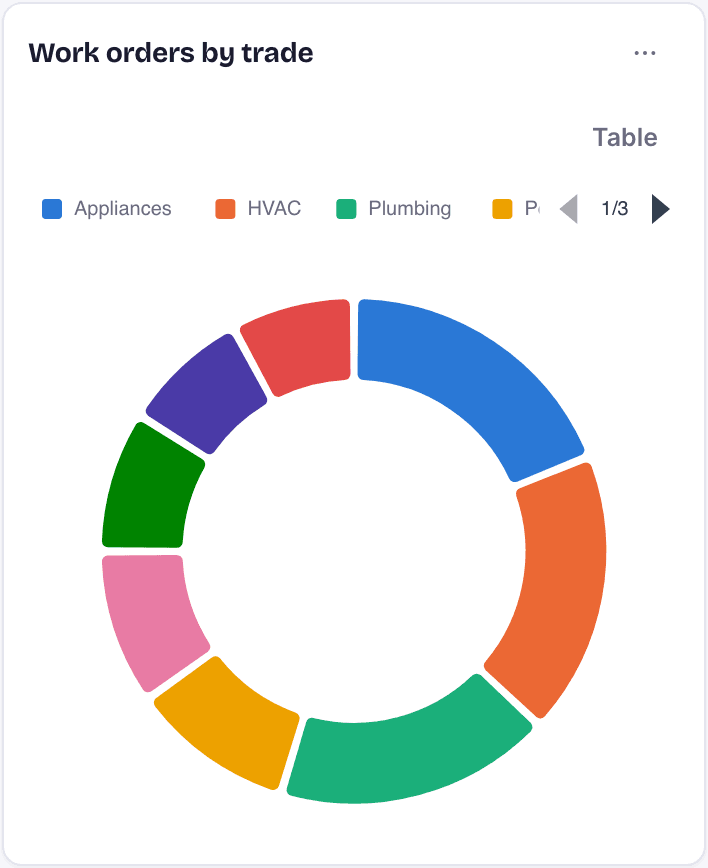
Vendors sign in to their own portal to start a job, post notes and photos, finish it and send an invoice. A job that needs proof cannot be closed without a photo, and every invoice waits for your approval.
- Estimates compared before you choose
- Vendor insurance expiry tracked
- Spend per vendor for negotiating
Owners approve what is over their limit.
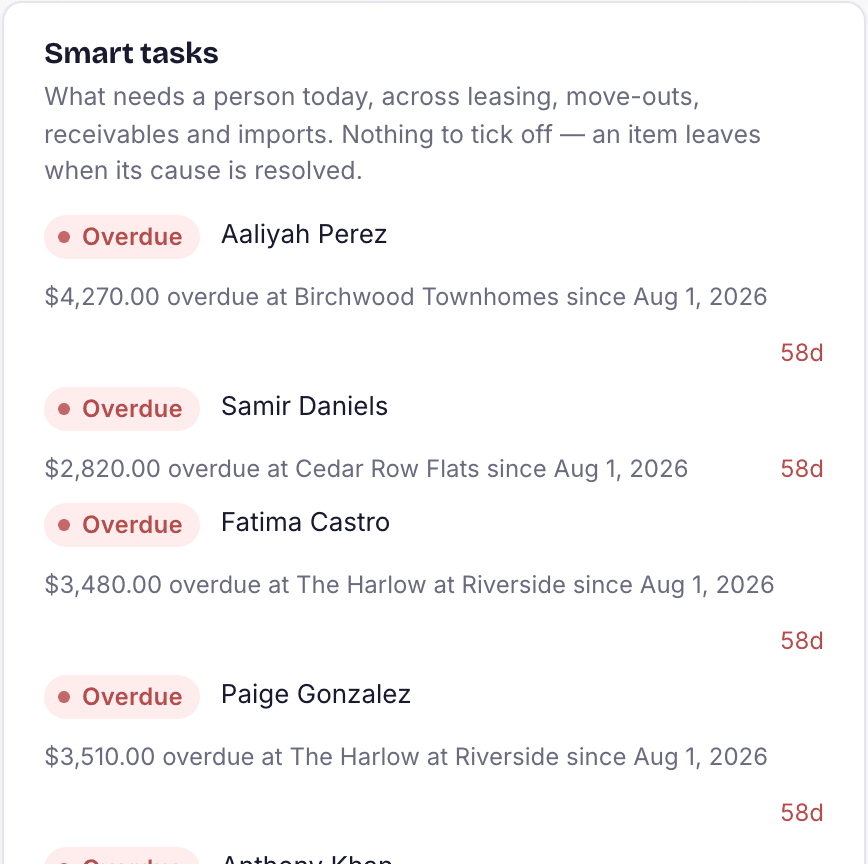
Each property has an owner approval limit. Spend above it waits in Owner approvals and in the owner's portal, where they can say yes with a note, before the work goes ahead.
- Limits set per property
- Owners answer from their portal
- Costs land on the right owner's ledger

Everything in maintenance
Built in, not bolted on.
Work orders
Every job with status, vendor or technician, notes, photos and a per-unit history, so nobody re-diagnoses or re-pays for the same fix.
My Work Orders
A technician's own list of assigned jobs, ready on a phone.
Vendor portal
Vendors see only the jobs assigned to them, update them, and invoice once work has started.
Estimates and approvals
Collect more than one estimate on a job and pick one. Bills and purchase orders go through tiered approvals.
Inspections
Recurring inspection schedules, with results that can create turn tasks directly.
Preventive schedules
Items such as gutter cleaning or HVAC filters on a cadence in days, with the ones past due listed.
Unit turns
A turn board per property with tasks in order. Completing the turn marks the unit ready to rent.
Inventory and purchase orders
Track parts and supplies, and match vendor bills against purchase orders with variance flagged.
Questions
About maintenance in StrivBridge.
Can residents submit requests by text?
Yes. The resident assistant takes requests in the portal, by text and on the phone, after confirming the resident's unit and last name, and opens a real work order.
Do vendors need a login?
Vendors you invite get a portal login to update their jobs and invoice. You can also manage their jobs for them.
How do owner approvals work?
Set an approval limit on each property. Spend above it creates a request the owner answers in their portal, and your team can also record an answer they gave by phone.