Lesson 2 of 4 · 5 min
Payments and autopay for residents
Help residents pay the right amount, set up autopay, and understand payment plans.
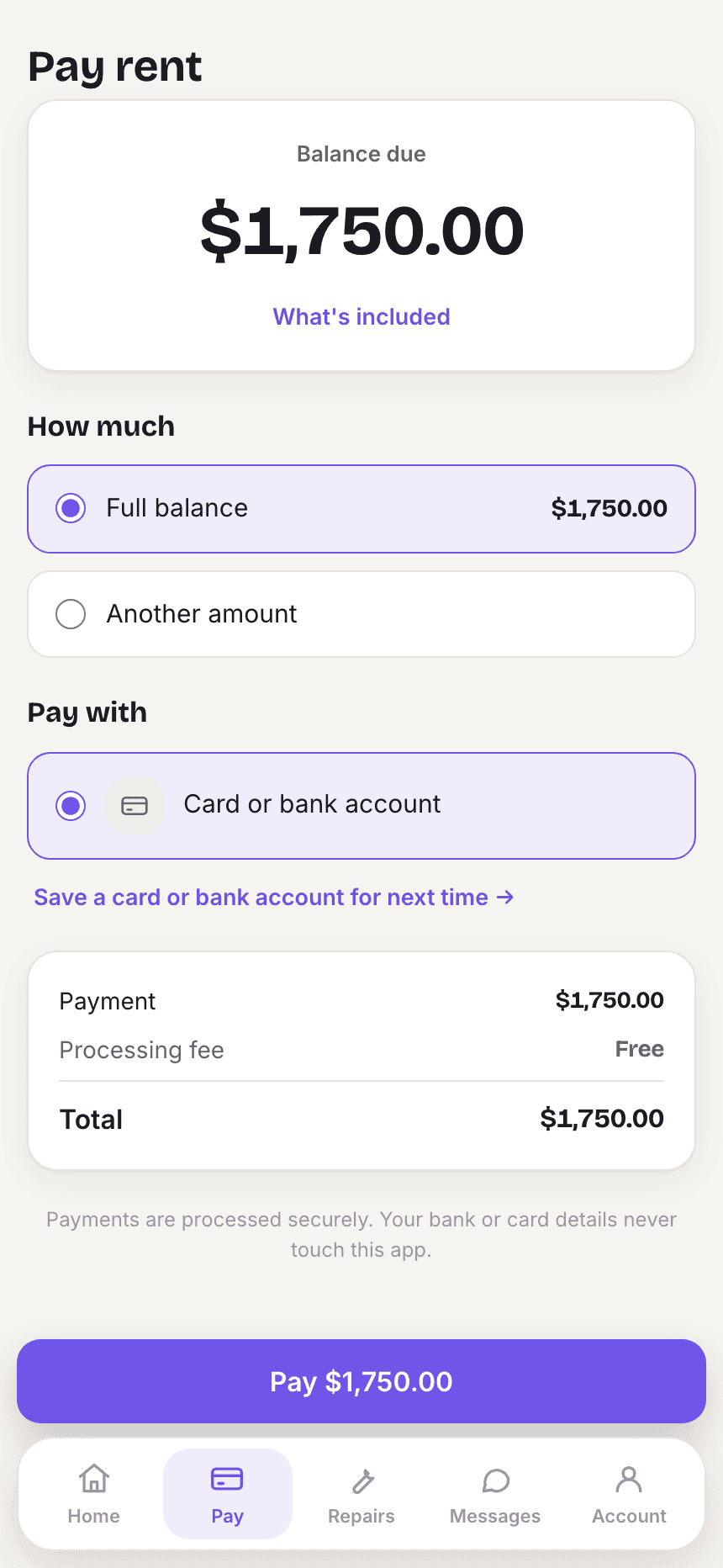
Most payment questions are one of three things: how do I pay, why is my balance this amount, and can I pay later. The portal answers all three.
Set up autopay with a resident
- Ask the resident to sign in and open Pay.
- Add a payment method under payment methods, if they have not already.
- Open autopay, choose the method and confirm. The portal shows Autopay is set up.
Loading the rest of this lesson…