Lesson 3 of 5 · 7 min
Tours: in person and self-guided
Book tours without double-bookings, block off times you cannot tour, and let verified prospects tour on their own.
Tours are booked on the guest card's Tours panel, by your AI leasing assistant, or by the prospect themselves. The assistant only books free slots, and double-bookings are refused.
Book and run an in-person tour
- On the guest card, open Tours and schedule a tour for a unit and time.
- When the prospect arrives, check them in from the guest card.
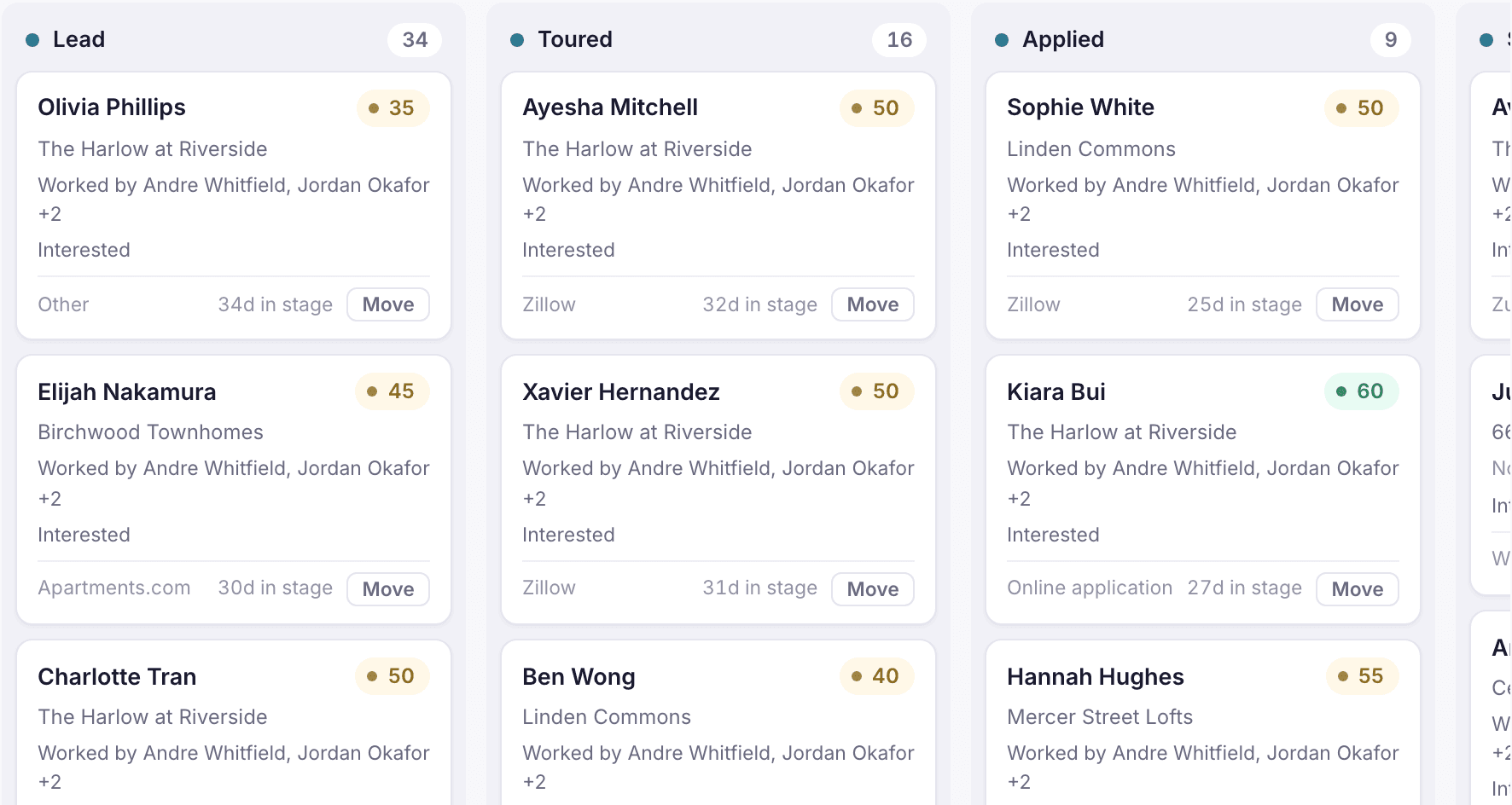
- After the tour, log what they thought as an activity and advance the stage to Toured.
If you cannot tour at certain times, such as a staff meeting or a property event, declare a tour blackout window for the property. Nobody, including the assistant, can book into it.
Loading the rest of this lesson…