Lesson 3 of 5 · 5 min
Taking over and handing back
Step into any conversation the moment it needs a person, then return it to the assistant.
You can take any conversation away from the assistant at any time. Once you do, it stops replying and stops sending follow-ups to that person until you hand it back.
Take over
- Open the conversation from Setup › AI leasing agent › Conversations, or from Operations › Inbox.
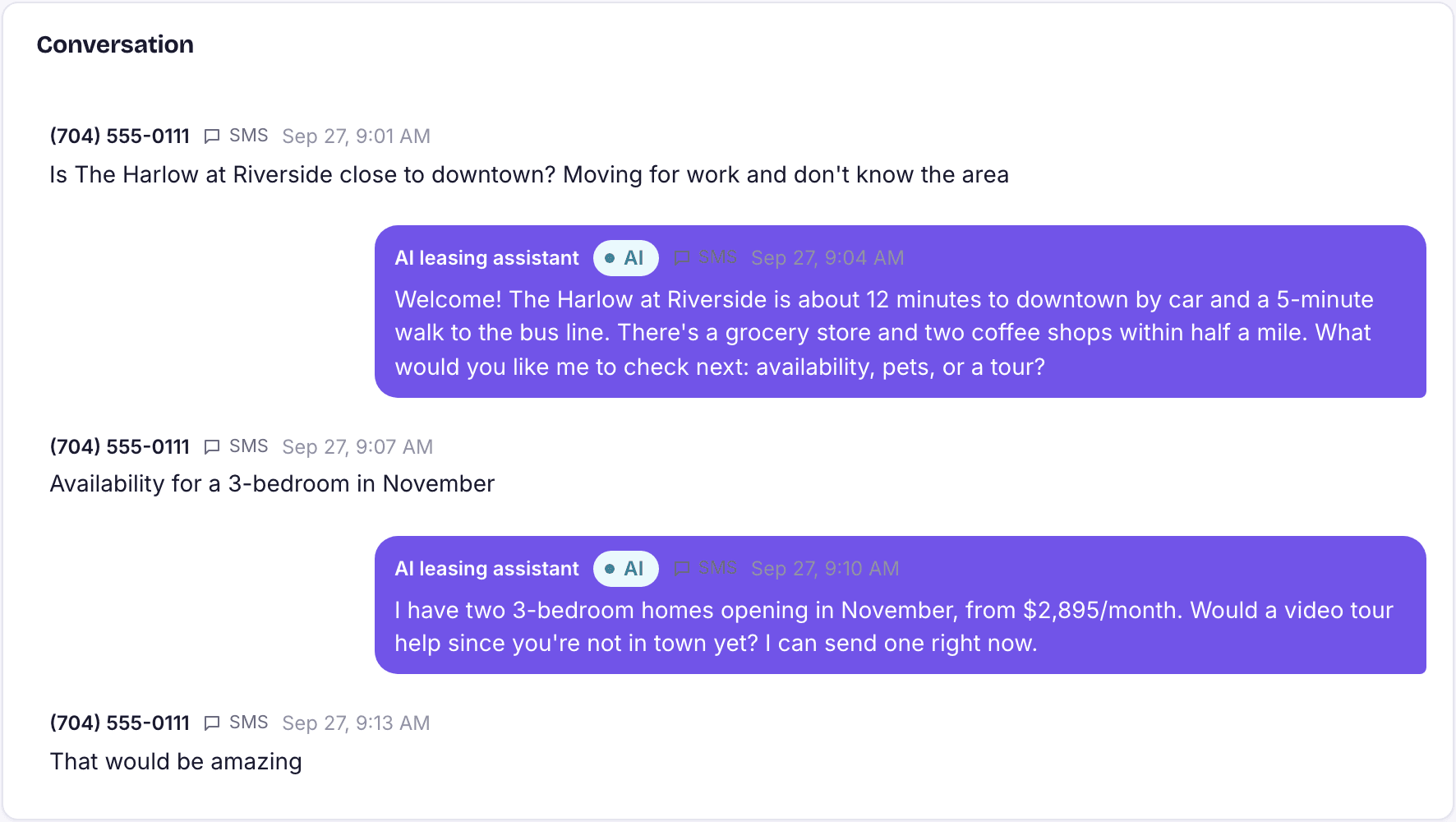
- Read the thread so you know what has already been said.
- Choose Take over. The status changes to Handed to staff.
- Reply as yourself.
Loading the rest of this lesson…