Lesson 2 of 5 · 7 min
Shaping it with flows
Switch each situation on or off and describe, in your own words, how your community handles it.
Flows are the situations the assistant handles. Open Setup › AI leasing agent and choose Flows. They come in two groups.
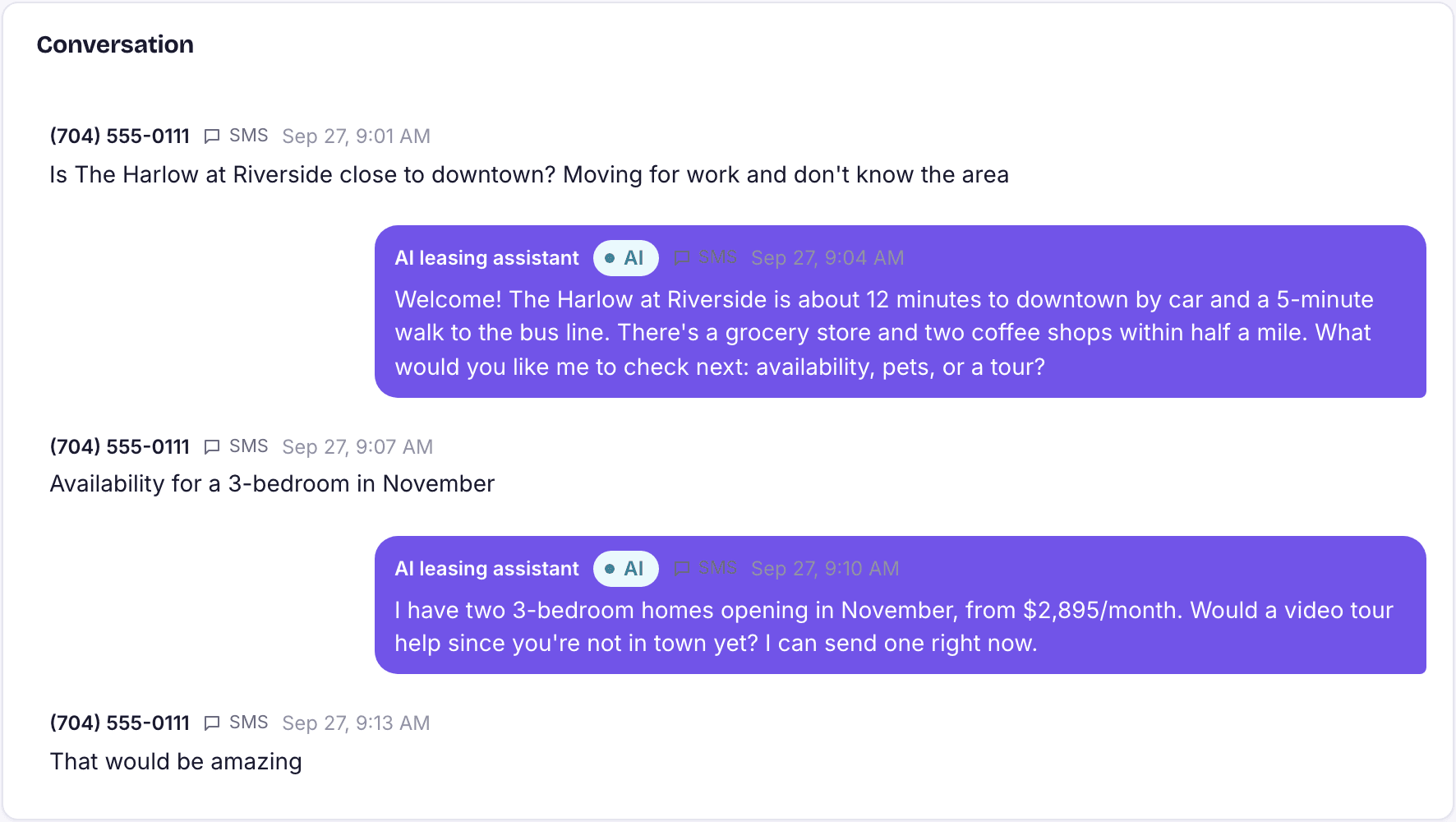
- In conversation: New inquiries, Qualifying questions, Tour booking, and Residents, vendors and owners.
- Messages it sends on its own: Tour reminders, After the tour, Application nudges and Gone-quiet follow-ups.
Customize a flow
- Open a flow card and read the default instructions.
- Rewrite Your instructions the way you would brief a new leasing agent. Be specific: which amenities to mention, what to say about parking, when to suggest a second unit.
- For scheduled flows, set the timing, for example hours before the tour for reminders (up to three) and hours after the tour for the check-in.
- Save. The change is live immediately and the card shows Customised.
- If a change does not work out, use Reset to default.
Not sure how to phrase it? Choose Set up with Rivr, or Write it with Rivr on a single flow. Rivr looks at your current setup, asks how you like to handle inquiries, tours and follow-ups, and proposes instructions for you to approve.
Loading the rest of this lesson…